How to organize a team snack schedule
Post-game snacks are a highlight for young players, and a headache for whoever organizes them. Here is a simple way to set up a fair rotation that runs itself all season.
1. Agree the basics with the coach
- Are snacks wanted at games, practices, or both? Many teams only do games.
- Any allergies on the team? Ask privately and share only what families need to know.
- Keep it simple: water plus fruit or one packaged snack is plenty.
2. Write down the snack rules
- One snack per player, plus a couple of spares for siblings.
- Nut-free (or whatever the team needs), and packaged items keep their label.
- No need to buy anything fancy; orange slices are a classic for a reason.
3. Build the rotation
Count the games, give each family one turn, and pair families up if there are more games than families. Here is an example for a 10-game season:
| Game | Date | Snack family | Drinks |
|---|---|---|---|
| 1 | Sat Sep 6 | Garcia | Lee |
| 2 | Sat Sep 13 | Patel | Johnson |
| 3 | Sat Sep 20 | Smith | Nguyen |
| 4 | Sat Sep 27 | Brown | Garcia |
| 5 | Sat Oct 4 | Lee | Patel |
| … | … | … | … |
4. Let families pick their own week
Instead of assigning weeks, create a sign-up slot on each game ("Snack" and "Drinks") and let families claim the date that suits them. People are far more reliable when they chose the date themselves.
5. Remind the evening before
A quick reminder the night before the game prevents most "oh no, was that us?" moments.
6. Make swaps easy
Families will need to swap. Let them do it directly and keep the schedule updated so everyone sees the change.
Doing it in Parentr
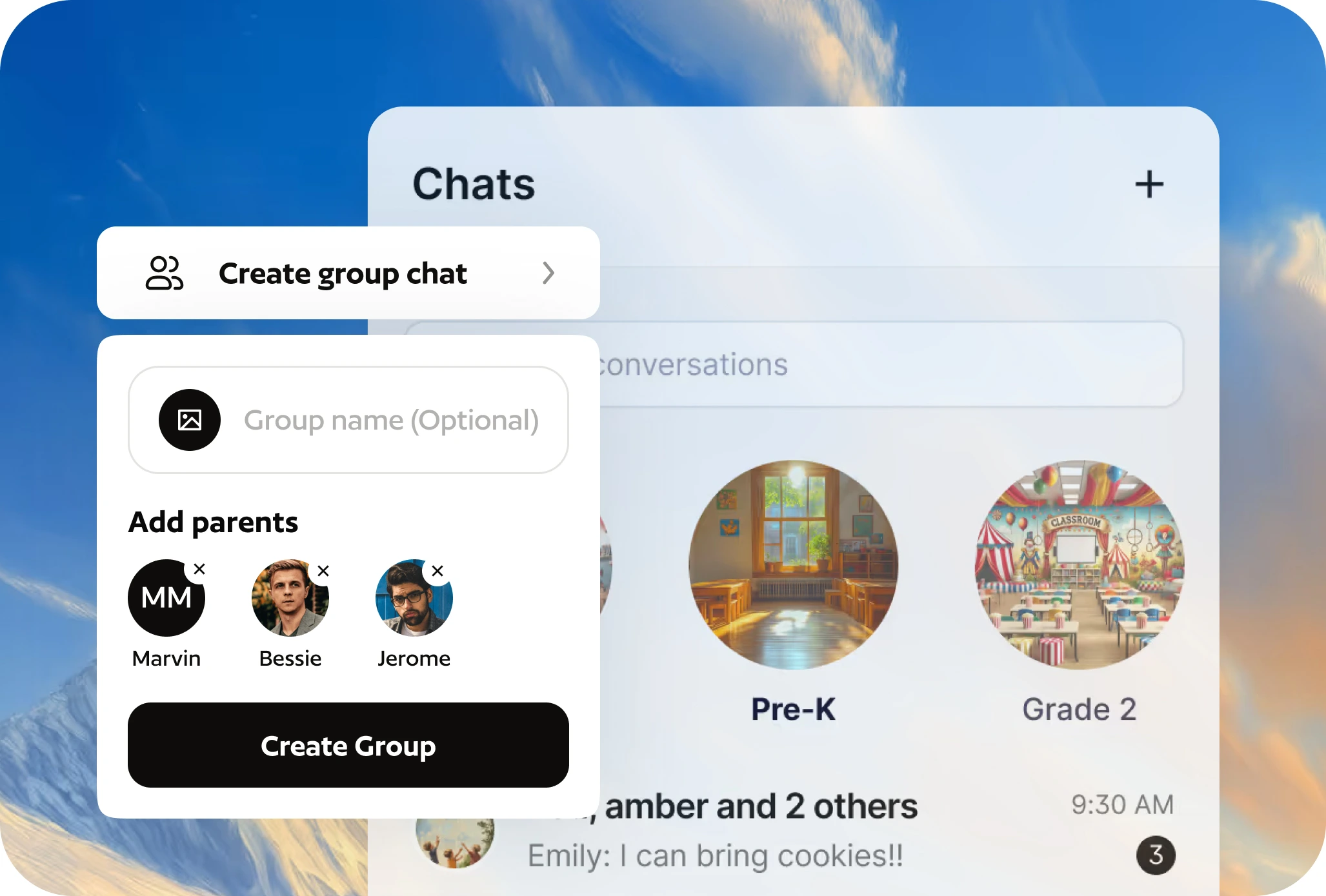
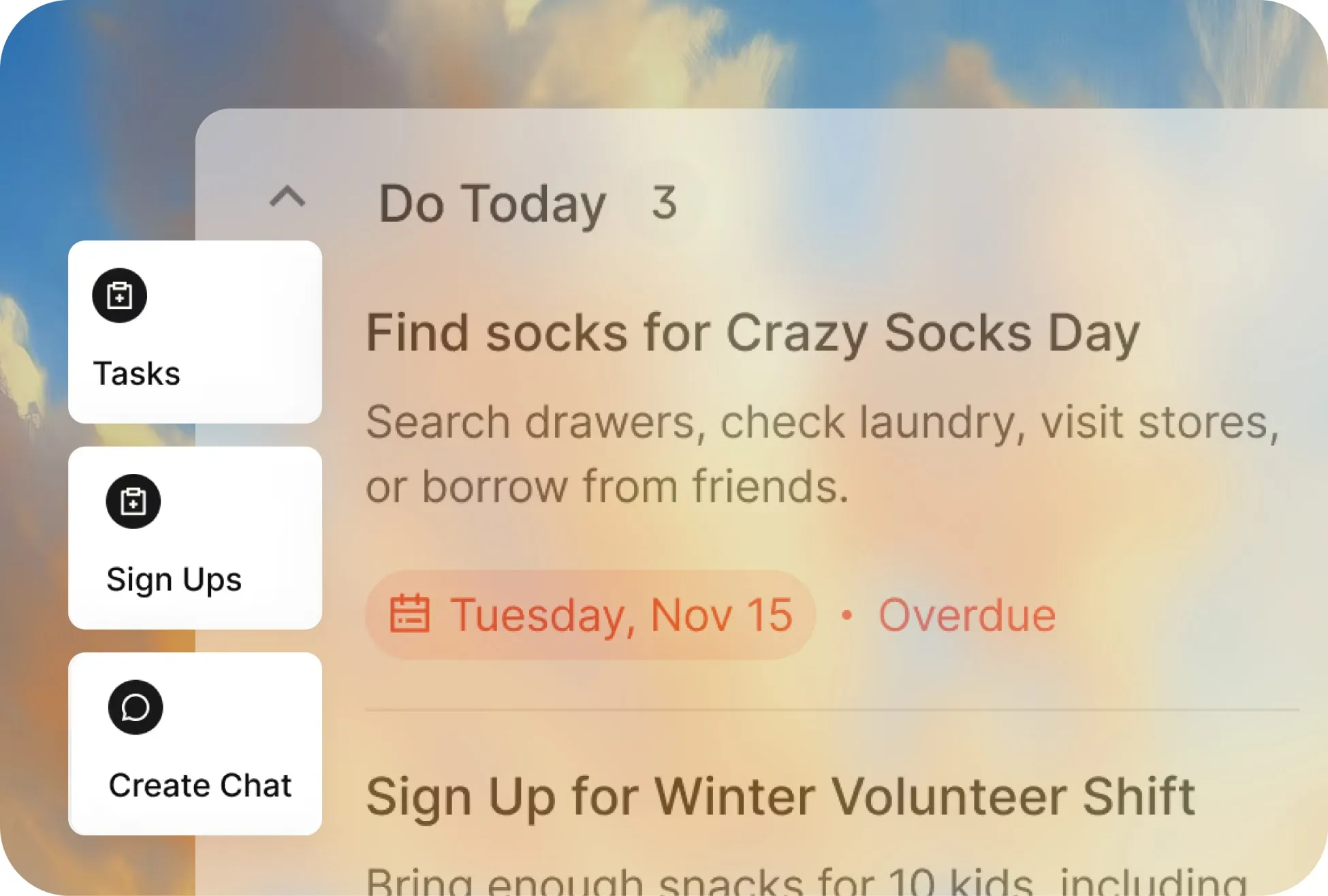
Create the team group, add the season's games (or scan the schedule), and add "Snack" and "Drinks" sign-up slots to each game. Parents claim a slot, everyone can see who has what, and the app sends reminders. It's free on iPhone and Android.